WhatsApp’s New Multi-Account Feature Lets iPhone Users Switch Between Two Accounts
In Focus
- The WhatsApp iOS feature allows users to manage multiple accounts
- iPhone users can create two accounts at a time
- The new feature keeps conversations and notifications in each account separate
- Users can remove accounts directly from the app settings section
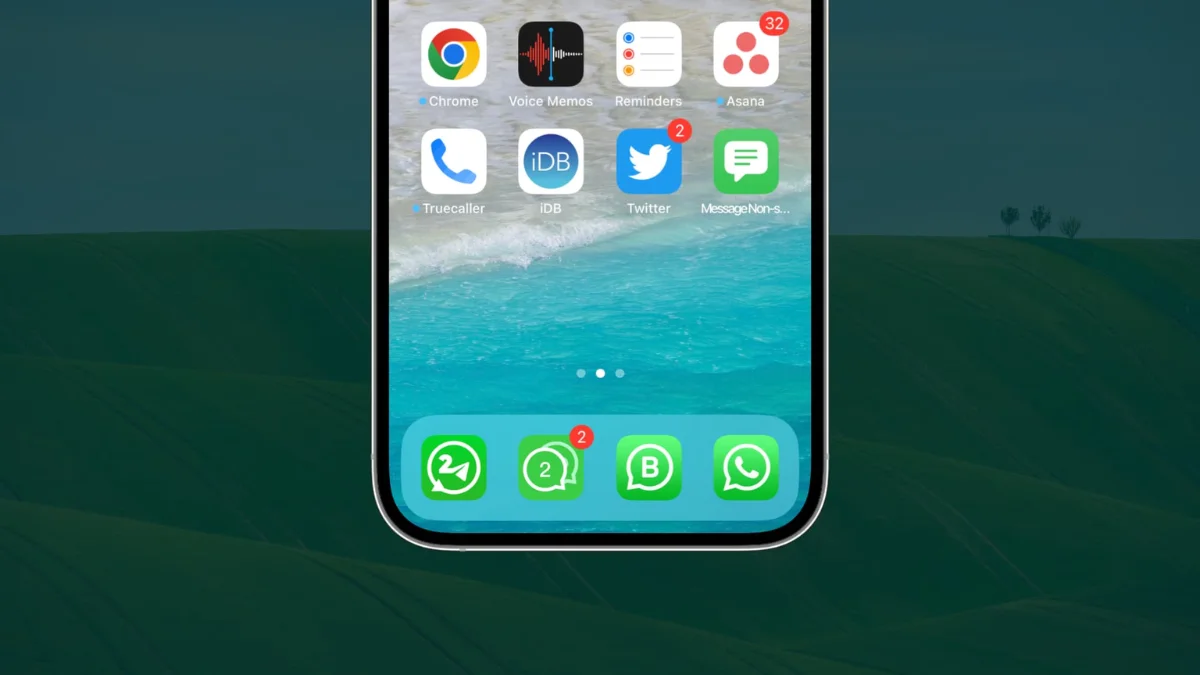
WhatsApp has introduced a multiple accounts feature on iOS. The new update allows users to manage more than one account on their iPhones. The WhatsApp multi-account feature on iPhone gives users the flexibility of having separate conversations without requiring the WhatsApp Business app.
How Does WhatsApp’s Account Switching on iOS Work?
The WhatsApp dual account support feature allows users to switch from one account to another. To register additional accounts, users need to go to the app settings sections and tap “Add account”.
The system prompts users to enter an additional phone number. WhatsApp also provides the QR code scan option, enabling users to set up the account as a linked device. Upon registering a second account, users can tap the “Switch Account” button in the account section to move between accounts.
The platform also activates the “Switch Account” feature when a user taps and holds the “You” tab. This option is easier for people who want to manage multiple accounts without logging out. Currently, the new feature only supports two accounts at a time.
Previously, users who wanted to have a second WhatsApp account had to install a WhatsApp Business account alongside the standard app or register the account using a different phone. Meta introduced an account switching feature on iOS soon after it added an AI-powered message drafting feature to the messaging app.
How Does WhatsApp Manage Chats in Multiple Accounts?
The new WhatsApp iOS feature is designed to keep conversations in each account separate. This means each account holds its own chat history and notifications are customized to specific accounts.
If a user adopts a specific tone for one account, it will not be replicated in the other account. WhatsApp also maintains user settings, including profile information, privacy, and other preferences separately.
Users will still receive notifications for incoming calls and messages for idle accounts. Users can either ignore the call or switch to the idle account and respond. The social media platform allows users to remove accounts directly from the app settings section. WhatsApp, which recently introduced prepaid mobile recharges in India, said users will receive notifications to back up their chat history before removing an account.
The platform also requires users to confirm the phone number. Account removal only affects the devices in current use. Where users remove the account from the primary device, companion devices are logged out after 14 days.
Who Can Access the WhatsApp Dual Account Feature?
WhatsApp announced the iOS update in March 2026. However, not all users could add a second account because the social media platform limited availability of the feature. The latest WhatsApp iOS feature rollout makes the feature widely available in the App Store. Even so, the company is rolling it out in phases, which means some users might access it later than others.